You feel that itch to create. Maybe a logo for your side hustle or a poster for social media. Excitement hits fast. Then overwhelm sets in from endless options. Graphic design tools for beginners don’t require pro budgets or years of practice. You need basics that work right away.
Start simple. Free apps handle most tasks like social graphics or invites. Paid ones add polish without subscriptions in some cases. Current picks in March 2026 include Canva for quick templates and Figma for vectors. These run on everyday laptops.
This guide covers software first. Then hardware setups. Next drawing tablets if you crave hands-on feel. Finally 2026 trends like AI boosts. Grab your starter kit. Keep reading to design your first project today.
Top Software Tools That Let Beginners Create Pro-Looking Designs Fast
Beginners thrive with easy software. Free versions lead the pack in 2026. They offer drag-and-drop ease plus templates. No steep curves hold you back. Focus on ideas not menus.
Canva tops lists for newbies. It shines with ready assets. Figma handles vectors and teams. Affinity Designer mixes tools for one buy. Inkscape stays free for logos. Vectr works in browsers fast.
Pick based on goals. Social posts? Canva wins. Logos? Try Inkscape. All suit US users on basic setups. For deeper lists of best free graphic design software in 2026, check recent guides.
Here’s a quick compare from current data:
| Tool | Free? | Best For | Needs Download? |
|---|---|---|---|
| Canva | Yes (Pro paid) | Templates, social posts | No |
| Vectr | Yes | Quick vectors, sharing | No |
| Inkscape | Yes | Logos, illustrations | Yes |
| Adobe Express | Yes | Photo edits, branding | No |
| Figma | Yes | UI, teamwork | No |
This table shows options fit budgets. Free tiers cover starters. Canva or Figma start you strong. Vectr adds no-fuss sharing.
Why Canva Wins for Absolute Newcomers
Canva feels like play. Thousands of templates speed you up. Type ideas. AI turns them into designs via Magic Studio.
Drag elements. Drop them in place. Add text or photos. Share links easy. Free gives stock images and fonts. Pro unlocks more but basics rock.
Limits exist. Free exports watermarks sometimes. Upgrade costs little for removes. Still you build posters in minutes.
Try this first project. Open Canva. Search “social media post.” Pick template. Swap colors. Drag your photo. Export. Done.
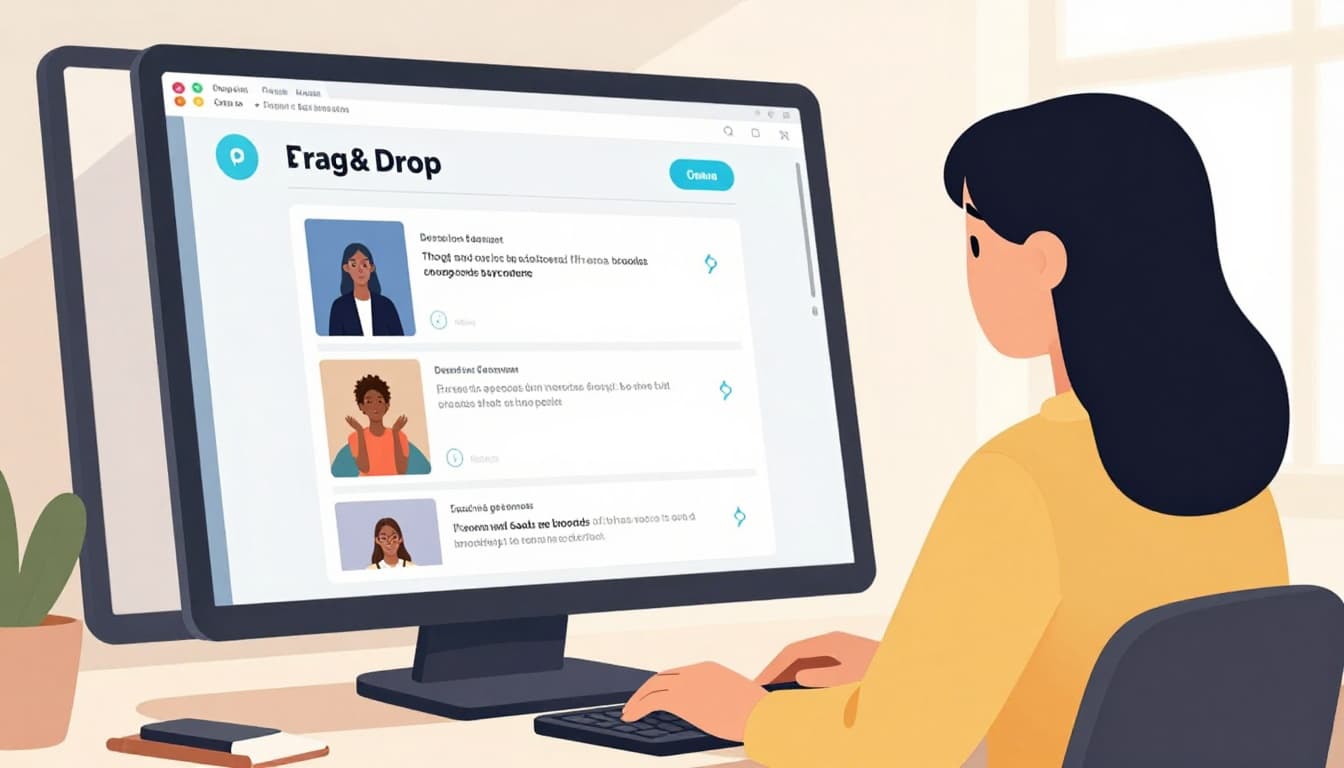
Newbies love it because results look pro fast. No drawing skills needed.
Figma: The Free Choice for Vector Graphics and Team Work
Vectors stay sharp. Resize logos without blur. Figma runs in browsers. Edit layers live. Auto-layout fits elements perfect.
Teams join real-time. Like Google Docs but for designs. Comment or tweak together. Free basics cover UI mockups too.
No install. Access anywhere. Pros use it so skills transfer. For Canva vs Figma breakdowns for beginners, see comparisons.
Start with shapes. Draw paths. Group them. Prototype clicks. Browser speed keeps flow smooth.
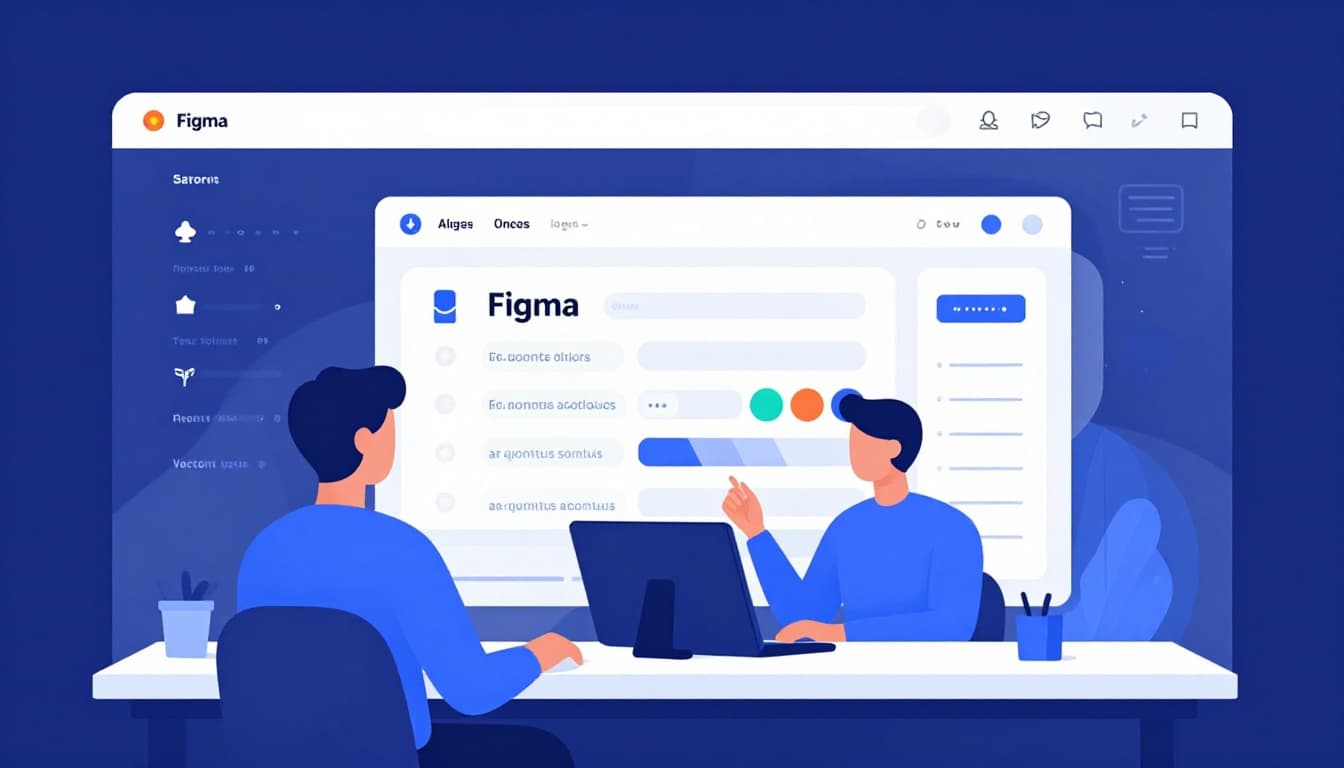
It suits collaborative projects. Beginners grow into advanced features easy.
Affinity Designer and Other Paid or Free Alternatives
Affinity Designer costs once. Around $70. No subs. Vectors plus pixels in one app. AI aids now too.
Inkscape stays open-source free. Paths and shapes excel for print. Extensions add power. Scales like Illustrator rivals.
Vectr keeps it browser-simple. Share edits live. No account needed first.
Photopea mimics Photoshop free online. GIMP downloads for heavy edits. These fill gaps post-basics.
Affinity edges for pros-on-budget. Check Affinity vs Vectr reviews for details. Match to needs. Start free always.
Essential Hardware to Get Your Designs Flowing Smoothly
Software needs support. Your current laptop works first. Add specs for speed. Layers stack smooth then.
Aim 13-inch screen at 1080p min. 8GB RAM handles files. Processors like Intel i5 or Apple M1 run apps fast. Color-accurate displays matter for prints.
Mouse clicks fine. Trackpad lags less on Macs. External monitor doubles space. Like extra desk room.
In 2026 lightweight laptops with AI chips boost renders. Microsoft Surface or iMac suit budgets. No high-end required yet.
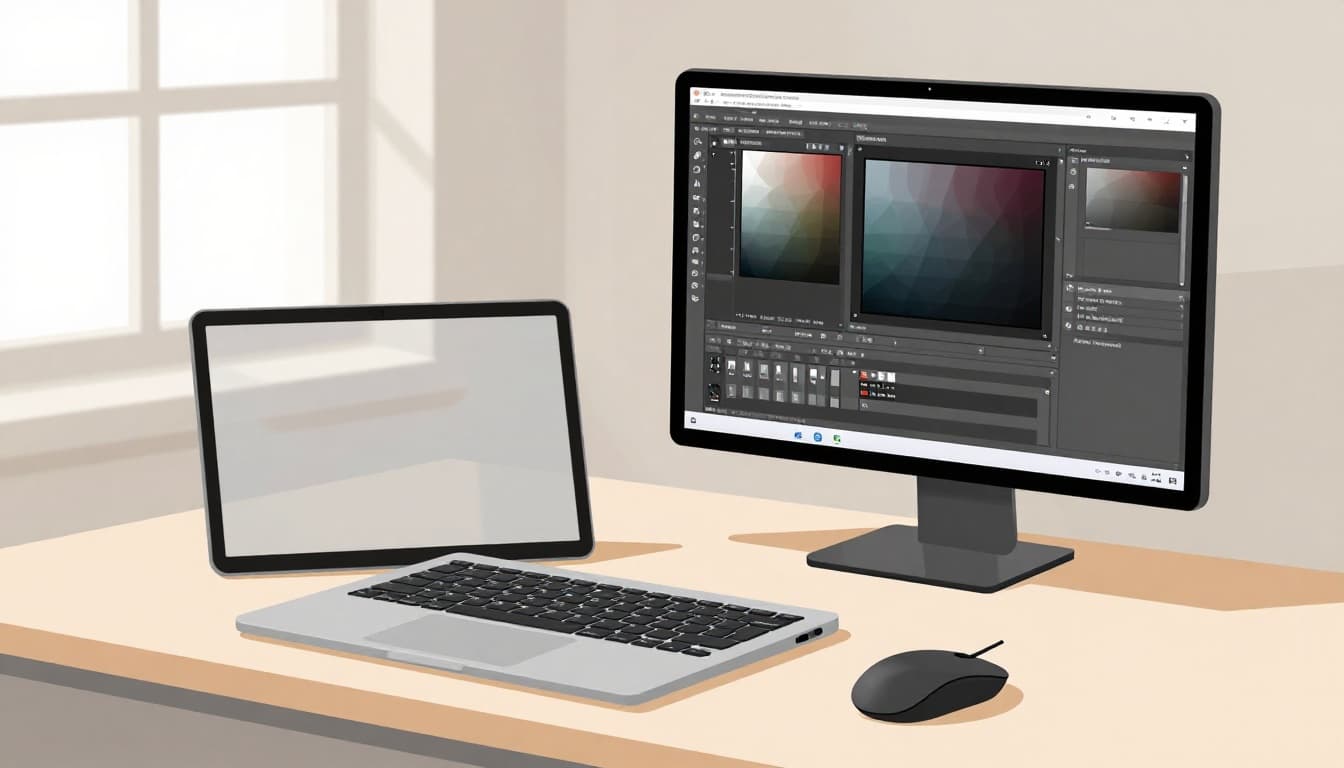
Basics prevent frustration. Speed lets creativity flow.
Choosing the Right Computer Setup
Use what you own. Upgrade if slow. Budget: current laptop. Mid: Surface Laptop. Pro: iMac 24-inch.
Specs guide buys. 8GB RAM min. 16GB better. SSD storage quick. Screens with 100% sRGB show true colors.
Windows or Mac both fine. Figma runs cross-platform. Test Canva speed first.
Drawing Tablets: Worth It for Hands-On Creativity?
Mice work. Tablets feel natural. Pen pressure shades like pencil. Precision grows strokes.
Not essential early. Skip if budget tight. Add later for sketches.
Top 2026 picks: iPad with Pencil. Affordable standalone. Microsoft Surface for Windows. Both pair with Figma.
Pros include tilt sense. Draw logos fluid. Trends tie to apps now.
Decide if hand-sketch joy calls you. Mouse masters basics fine.
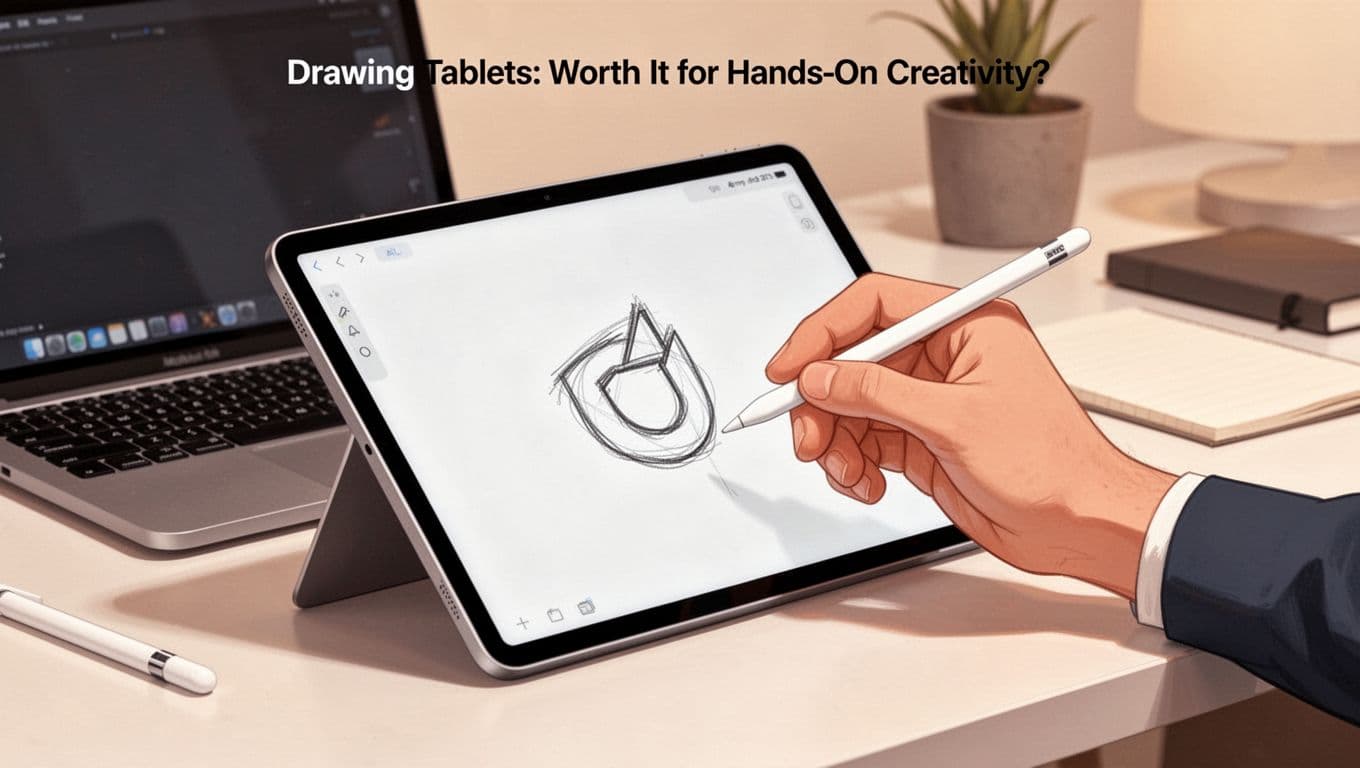
They unlock fun flows. For best drawing tablets for beginners, browse picks.
iPad and Apple Pencil Combo Explained
iPad Air pairs Pencil cheap. Apps like Procreate shine. Portable everywhere.
Low lag. Natural friction. Export to desktop tools. Beginner-friendly price under $600 total.
Other Options Like Microsoft Surface
Surface Pro multitasks. Slim Pen vibrates for feedback. Windows apps full access.
Tilt adjusts angles. Versatile laptop too. Matches PC setups seamless.
2026 Trends Making Graphic Design Beginner-Friendly
AI leads now. Canva Magic generates from prompts. Figma plugins suggest colors. Refine by hand for personal touch.
Real-time collab rises. Share Figma links. Edit live no emails.
Browser tools dominate. No downloads. One-app workflows cut switches.
Imperfect styles trend. Textures and glitches add human warmth. Free AI sparks them fast.
Focus two tools max. Learn AI prompts today. Design pro-level without grind.
Trends lower barriers. Experiment weekly.
Start with Canva or Figma on your laptop. Add tablet if drawing pulls you. Graphic design tools for beginners make pro work accessible.
Download one free app today. Follow a template tutorial. Join Reddit or Discord communities for feedback.
No overwhelm needed. Your first logo waits. Share your setup in comments. What tool sparks you first? Subscribe for more starter tips.