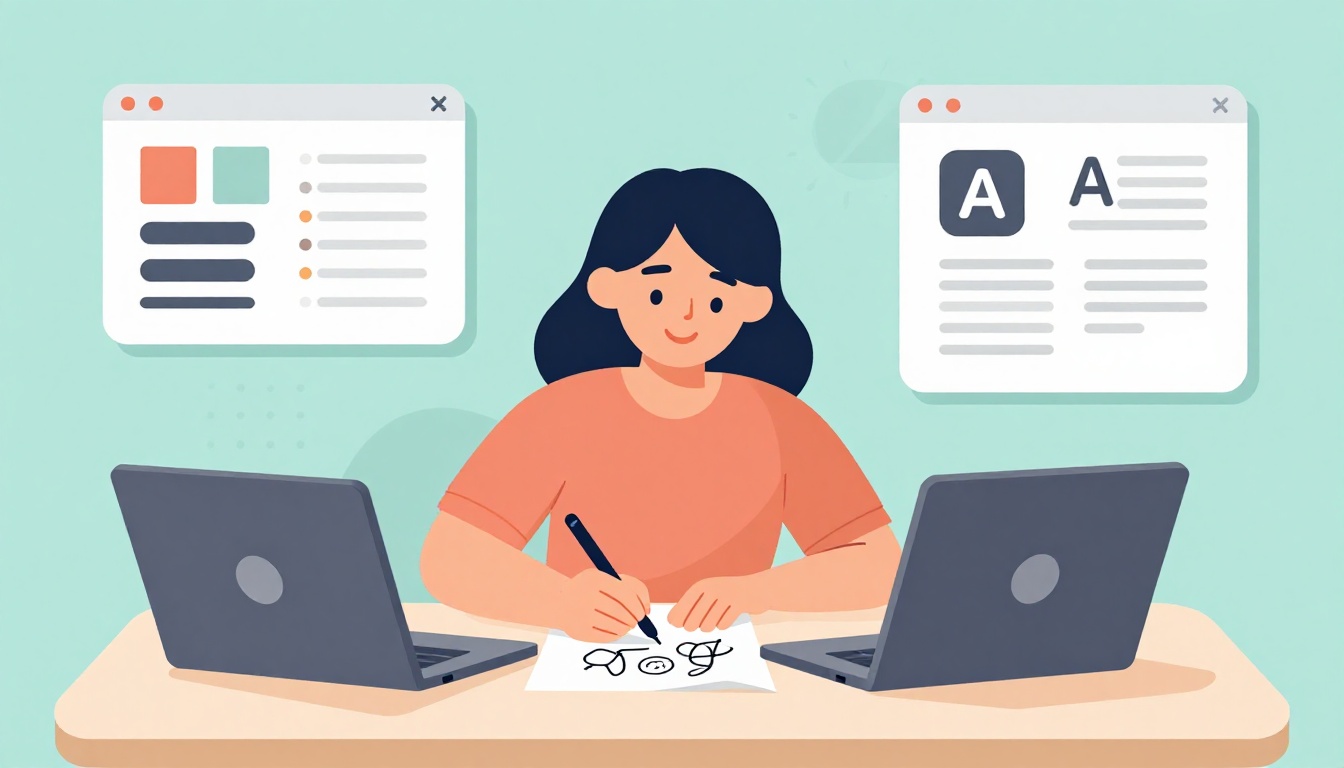
Picture Sarah, a busy teacher with zero art background. She doodled logos on napkins during lunch breaks. Six months later, she sells custom prints online and loves every minute. You can do the same.
In 2026, free tools and AI helpers make it easier than ever to jump in. No fancy degree required. Graphic design opens doors to fun side hustles or full careers, from social media graphics to freelance gigs.
This guide shows you how to start learning graphic design from scratch. You’ll cover core principles, easy tools, top resources, hands-on projects, and communities. Follow these simple steps, and you’ll see results fast.
Master the Basics of Design Before Opening Any Software
Tools tempt beginners first. However, principles build your eye. Think of a messy room; it feels off because elements clash. Good design fixes that.
Start with balance. It spreads weight evenly, like furniture in a living room. Contrast grabs attention; pair black text on white for punch. Hierarchy guides eyes to key info first, such as big headlines over small details. Alignment keeps things neat; lines up edges. Repetition ties elements together, like matching colors. Proximity groups related items close. Color theory adds mood; blues calm, reds excite.
Observe daily designs. Notice ads on buses or apps on your phone. These habits train your brain. For deeper dives, check Layout Scene’s beginner principles guide. It breaks them down simply.
Thinking like a designer boosts confidence. AI tools in 2026 now visualize these ideas on the spot.
Spot These Principles in Everyday Designs
Grab a cereal box. See how colors contrast for the logo? Check alignment on the nutrition facts. Bad designs push info too far apart.
Scan a website. Does the menu align left? Hierarchy shows big buttons first. Jot notes in your phone app. Analyze five items daily: a poster, coffee mug label, email newsletter. Note what works and flops.
Phone bill layouts often fail proximity; numbers scatter. Good ones group totals tight. This exercise sharpens your view without screens.
Quick Ways to Practice Fundamentals Without a Computer
Sketch on paper. Doodle three logos for a fake coffee shop. Balance shapes; repeat curves.
Rip fonts from magazines. Pair bold sans-serif with thin script. Test contrast. These build intuition fast. No perfection needed. Do it daily for 10 minutes. Results surprise you.
Pick Free Tools That Make Starting Super Easy
Now grab tools. Canva and Figma lead for 2026 newbies. Both run in browsers; no downloads. Photopea mimics Photoshop free.
Vectors scale forever, like logos. Rasters pixelate if stretched, good for photos. Sign up free. Poke the interface. Drag shapes, tweak text. Experiment beats tutorials at first.
Affordable options like Affinity exist later. Stick free now. Play fails safe.
Why Canva and Figma Win for Total Newbies
Canva offers drag-drop templates. Perfect for collages or posts. Figma shines in collaboration; share links real-time. Both pack free libraries: icons, photos.
Canva suits quick social graphics. Figma handles UI mocks better. See a full Canva vs Figma breakdown for beginners. Browser access means start anywhere.
Your First 10-Minute Tool Test Run
Open Canva. Search “poster” template.
- Add text: Type “Hello World,” resize bold.
- Drag image from free stock.
- Drop circle shape, color neon.
- Align all center. Export PNG.
Instant win. Repeat in Figma. Builds muscle memory.
Jump into Top Courses and Resources Tailored for Beginners
Dedicate 1-2 hours daily. Week one: principles. Week two: tools.
Coursera’s CalArts Graphic Design Specialization tops lists. Free to audit. Covers typography, projects. YouTube stars like Will Paterson demo trends. Canva Design School adds quick videos.
AI generates ideas now; edit by hand. Structure keeps you steady.
Coursera’s CalArts Course: The Gold Standard for Starters
CalArts brings pro structure. Six months part-time, but audit free. Build portfolios with real briefs. Respected certificate if paid.
Enroll via Coursera app. First module teaches fundamentals. Read this 2026 CalArts review for proof. Thousands finish stronger.
Build Real Skills with These Beginner Practice Projects
Projects cement skills. Use fake briefs: “Design logo for pet bakery.”
Try five: logos, magazine recreations, color palettes from photos, font-paired invites, social banners. Share on Instagram. Journal progress.
Tie to principles. Balance logos; contrast palettes.
Start Simple: Logo Sketches and Color Palettes
Sketch three bakery logos on paper. Scan to Canva. Vectorize.
Pick photo: sunset. Extract five colors. Test harmony. Aim earthy tones for calm.
These spark joy fast. See Coursera’s project roadmap for more ideas.
Level Up: Layouts and Invites with Feedback
Recreate magazine cover. Align text tight; hierarchy headlines.
Design party invite. Pair fonts playful. Export, text friend: “Does this pop? Why?” Fix based on notes. Critique own: “Balance off?” Builds pro habits.
Connect with Designers and Keep Up with 2026 Trends
Join groups for feedback. Reddit’s r/graphic_design critiques beginners. Discord “Canva Creators” chats daily. Behance and Dribbble host free portfolios.
2026 trends favor imperfect looks: grainy textures, wobbly type, surreal collages. Mix AI ideas with hand tweaks. Sketch first always.
Habit: 15 minutes daily. Teach a friend basics.
Best Places to Find Your Design Crew Online and Offline
Reddit r/design_crit for notes. Dribbble beginner groups. Local Creative Mornings meetups via Eventbrite.
Post “First collage feedback?” Watch growth. Pros started here.
You’ll master graphic design basics soon. Principles sharpen your eye, tools unlock creation, courses guide you, projects prove skills, communities fuel fire.
Finish one project this week. Quick win builds momentum. Start a free portfolio on Behance next. Anyone grabs this in 2026.
What’s your first project idea? Share below.