Picture a small coffee shop in your neighborhood. The owner struggled for months because no one remembered the name. Then she made a simple logo with a steaming mug and clean text. Sales jumped 30% in weeks. Customers spotted it on cups and signs right away.
A basic logo does that. It builds trust fast. Stats show people judge your brand in 10 seconds from the logo alone. Colors boost recognition by 80% for 85% of buyers. Small businesses see 10-20% more revenue with consistent logos. You don’t need pro skills. Free tools handle it all.
This guide walks you through how to create a basic logo step by step. We’ll use simple principles and 2026 trends like neo-minimalism. Those clean shapes with bold details pop on phones and prints. By the end, you’ll have a versatile design ready for business cards or websites.
Research Your Brand to Nail the Perfect Starting Point
Start here. Know your brand inside out. Otherwise, your logo misses the mark. List your brand’s personality first. Is it fun and bold? Or calm and reliable? Write down three key values, like trust or energy.
Next, picture your target audience. Who buys from you? Busy parents? Tech fans? Their style shapes everything. Check competitors too. What do they use? Avoid copies. Instead, find gaps. A bakery might skip cute cartoons if rivals overdo them.
Ask these questions to clarify:
- What one word sums up my brand?
- How do I want customers to feel?
- Where will the logo appear most: apps, signs, shirts?
- What industry trends fit 2026, like simple shapes with personality?
Build a mood board. Pin images on Pinterest or a free site like Canva. Collect colors, fonts, and icons that match. This step saves time later. It stops generic designs that flop. Simplicity rules. Aim for one clear message.
In 2026, logos feel human. They mix bold letters with micro details. Research shows steady use builds memory after 5-7 views. So nail this foundation now.
Pick Colors and Fonts That Match Your Vibe
Colors speak first. Blue builds trust, like banks use it. Green signals growth for eco brands. Limit to two or three. High contrast works best for small screens. Test pairs for pop.
Try free tools like Coolors. Enter a base color. It spits out palettes. For example, a fitness brand picks orange for energy plus black for strength. Check logo color combinations backed by psychology for proven mixes.
Fonts set tone next. Sans-serif looks modern and clean, perfect for most. Skip script fonts. They hurt readability on tiny favicons. Pair one bold header font with a simple body one. Test at 16×16 pixels. If it blurs, swap it.
Match to your vibe. A craft shop uses playful rounded letters. Tech picks sharp geometrics. Print samples in black and white too. Colors fade in print sometimes.
Choose a Beginner-Friendly Logo Style
Pick a style that fits. Four main types suit starters. Wordmarks use styled text only, like Google. Simple to make. But needs strong fonts.
Lettermarks shorten to initials, such as IBM. Great for long names. However, they risk confusion with others.
Icons or symbols stand alone, like Apple’s apple. Versatile but hard to link to your name without text.
Combination marks pair text and icon, like Adidas. Best for beginners. Use the full version large, icon alone small. Scales everywhere.
Pros of combos: flexible, memorable. Cons: more elements to align. See types of logos and best uses for examples. Go combo for versatility. Test small. A coffee icon works as favicon; text adds clarity on signs.
In 2026, adaptive styles morph for apps. Keep core simple. This ensures it shines large or tiny.
Brainstorm and Sketch Ideas on Paper First
Don’t jump to computers. Grab paper and pen. Doodle freely. Aim for 20 rough ideas. No perfection needed. Focus on symbols that tie to your brand.
A pet store sketches paws or bones mixed with letters. Combine shapes. Turn a leaf into an “L” for eco cleaners. Thumb your sketches small. Circle winners.
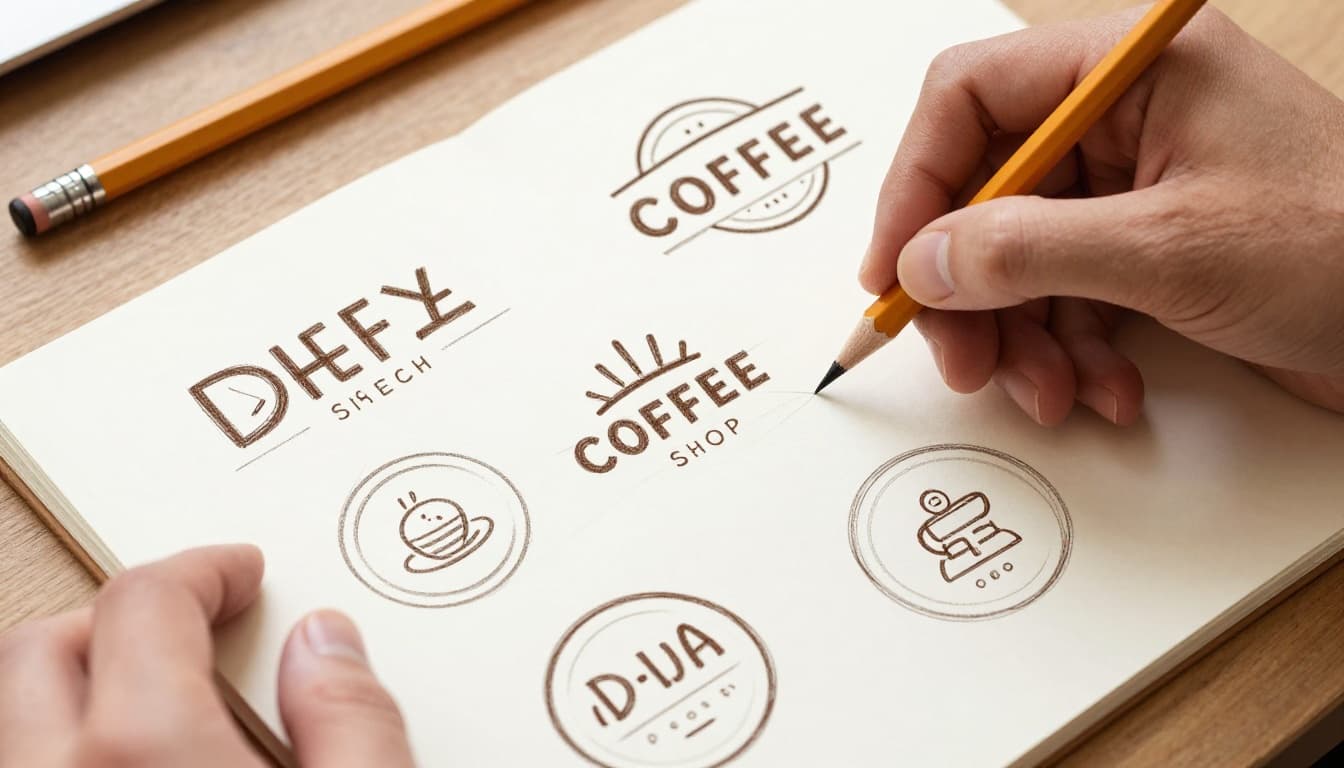
Phone camera scans them easy. Analog sparks creativity. Digital feels stiff at first. Explore fast here. Refine three top ones later. This step uncovers gems software misses.
Build Your Digital Logo with Free Tools
Time to digitize. Canva tops free picks in 2026. Drag-drop templates speed it up. Search “logo,” pick a base. Swap your text and colors.
Looka or Tailor Brands use AI. Enter name and style. They generate options. Tweak from there. GIMP or Figma give control for free vectors.
Start simple. Import your sketch photo. Trace shapes with tools. Add text. Align center. Use layers for easy edits.
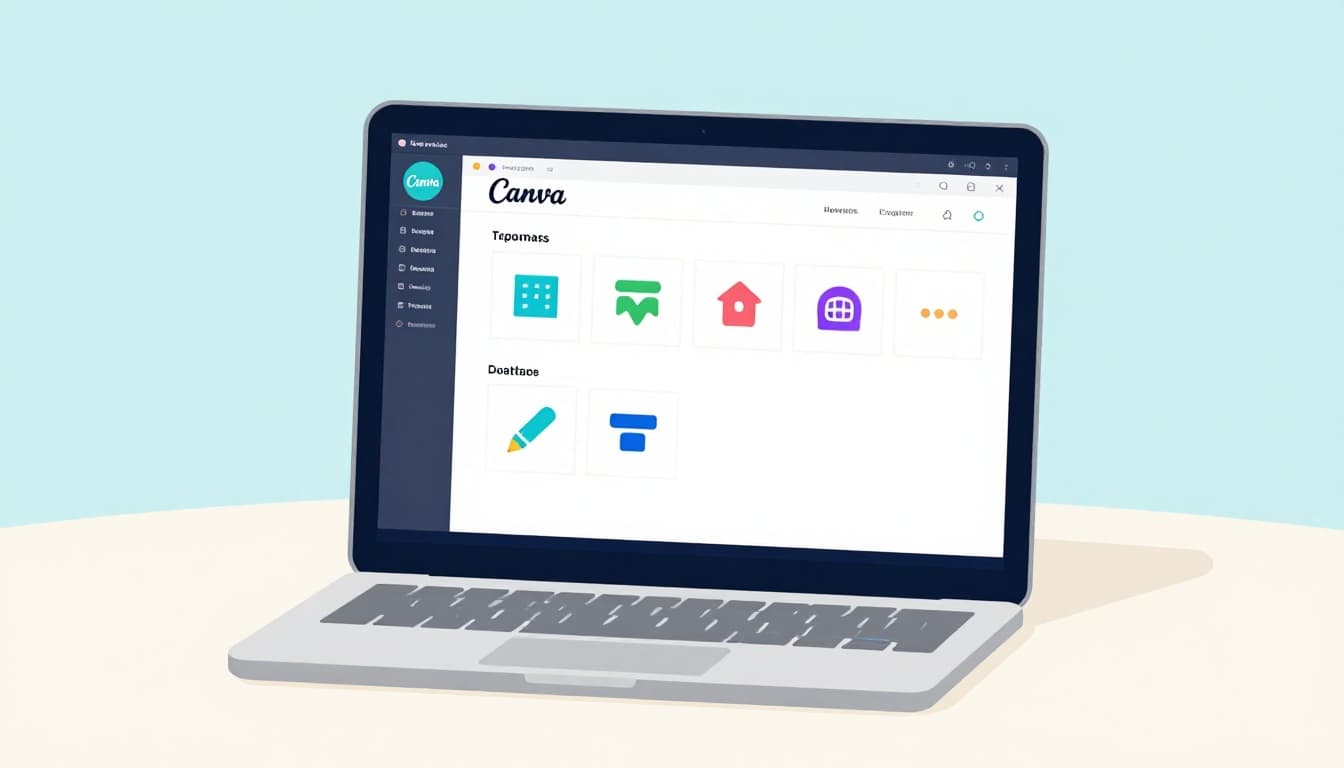
In Canva, select elements. Resize evenly. Lock aspect for icons. Export SVG for scalability. PNG works for web. Check best logo tools ranked for more.
Keep bold. Neo-minimalism rules now: crisp edges, few colors.
Follow These Key Design Principles for Timeless Results
Simplicity first. Less beats more. Cut extra lines.
Scalability matters. Zoom to 1%. Does it hold? Versatility too. Make black-and-white versions.
Relevance ties it back. Pixel-sharp details fit 2026 phones. High-contrast pops in dark mode. Test on mockups early.
Get Feedback, Refine, and Finalize Like a Pro
Share drafts. Ask 5-10 people: friends, customers. Pose clear questions. “What does this say about the brand?” “Can you read it small?”
Iterate fast. Tweak based on patterns. One color too dull? Swap it. Stop at three rounds. Perfection kills.
Export multiples: PNG color, SVG, black-and-white. Create guidelines: “Use at least 1 inch.”
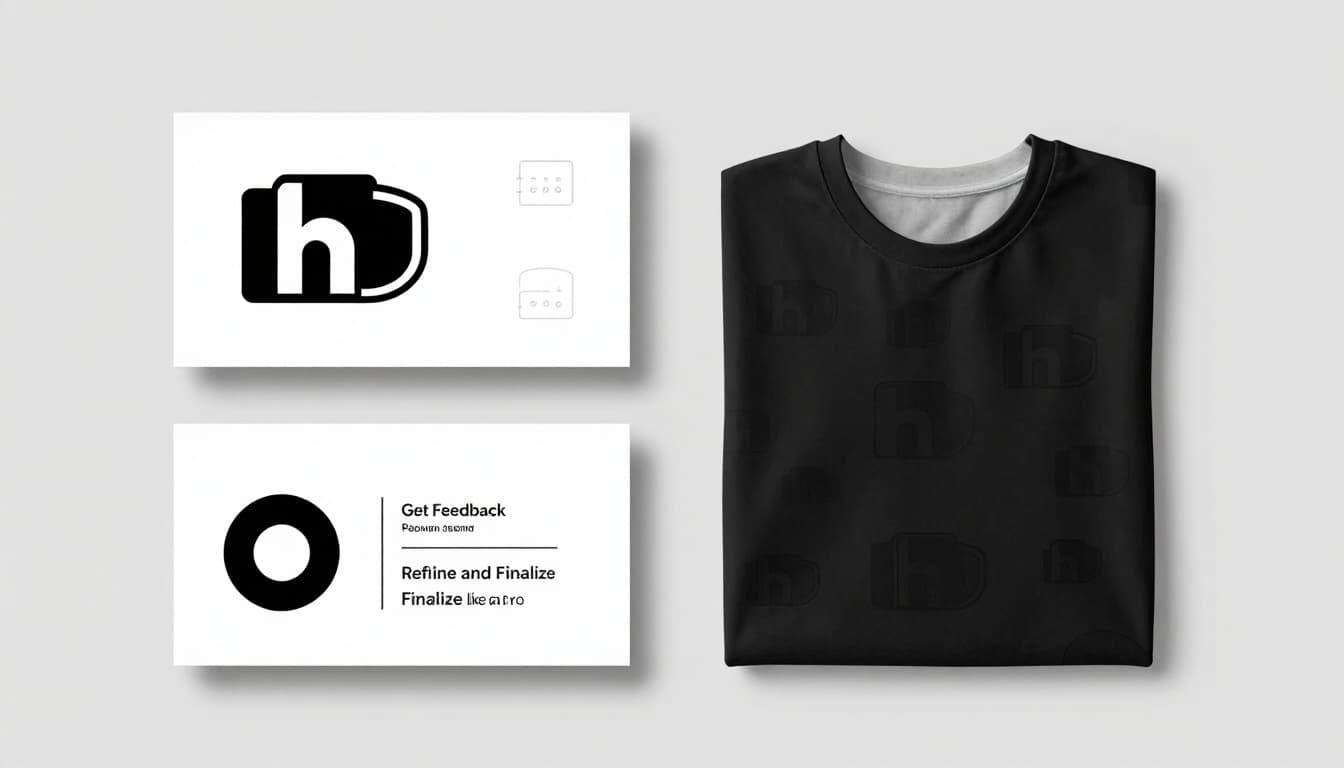
Test real spots. Slap on cards, sites. DIY works for basics. Hire pros later for polish.
Steer Clear of Beginner Mistakes That Ruin Logos
Watch these traps:
- Too many colors. Stick to two. Fix: Pick one main, accents.
- Overcomplicated details. Blur small. Simplify shapes.
- Ignores black-and-white. Print fails. Test early.
- Trendy fonts. Fade fast. Choose timeless.
- Poor spacing. Looks cramped. Use grids.
- Copies competitors. Loses uniqueness. Twist your way.
See common logo mistakes and fixes for pics. Avoid them. Your logo lasts.
You’ve got the steps: research, style, sketch, build, refine. That coffee shop vibe? Yours now. A pro logo boosts trust and sales.
Grab paper today. Try Canva next. Share your result in comments. What’s your brand?
Quick FAQ: Best free tool? Canva for ease. Time? 2-4 hours total. Scale up from there.