A single poor font choice once tanked a major brand’s ad campaign. Viewers dismissed it as cheap because the script font clashed with the professional message. Fonts act as the voice of your design. They grab attention and stir emotions right away.
You want your work to connect fast. Bad picks confuse readers or make text hard to scan. This guide covers the basics first. Then it moves to brand alignment, smart pairings, 2026 trends, common pitfalls, and testing tips. You’ll boost readability and even help SEO for web projects. Let’s pick fonts that fit perfectly.
Grasp Font Fundamentals to Build a Strong Foundation
Start with the basics. Fonts fall into key categories. Serif fonts have small lines at letter ends. They feel warm and traditional, like Times New Roman in books. Sans-serif fonts skip those lines. They look clean and modern, such as Roboto on websites.
Display fonts grab eyes with bold shapes. Think Monument Extended for headlines. Script fonts mimic handwriting. Use them sparingly for flair. Decorative ones add fun but tire readers quickly.
Each type has strengths and limits. Serifs guide the eye in print. Yet they blur on low-res screens. Sans-serifs shine everywhere because screens favor simplicity. Always check x-height, the height of lowercase x. Bigger x-heights aid small text readability.
Build hierarchy next. Use display fonts for titles. Pair them with body fonts for paragraphs. This creates flow. Popular picks include GT America for versatility or Sharp Grotesk for edge.
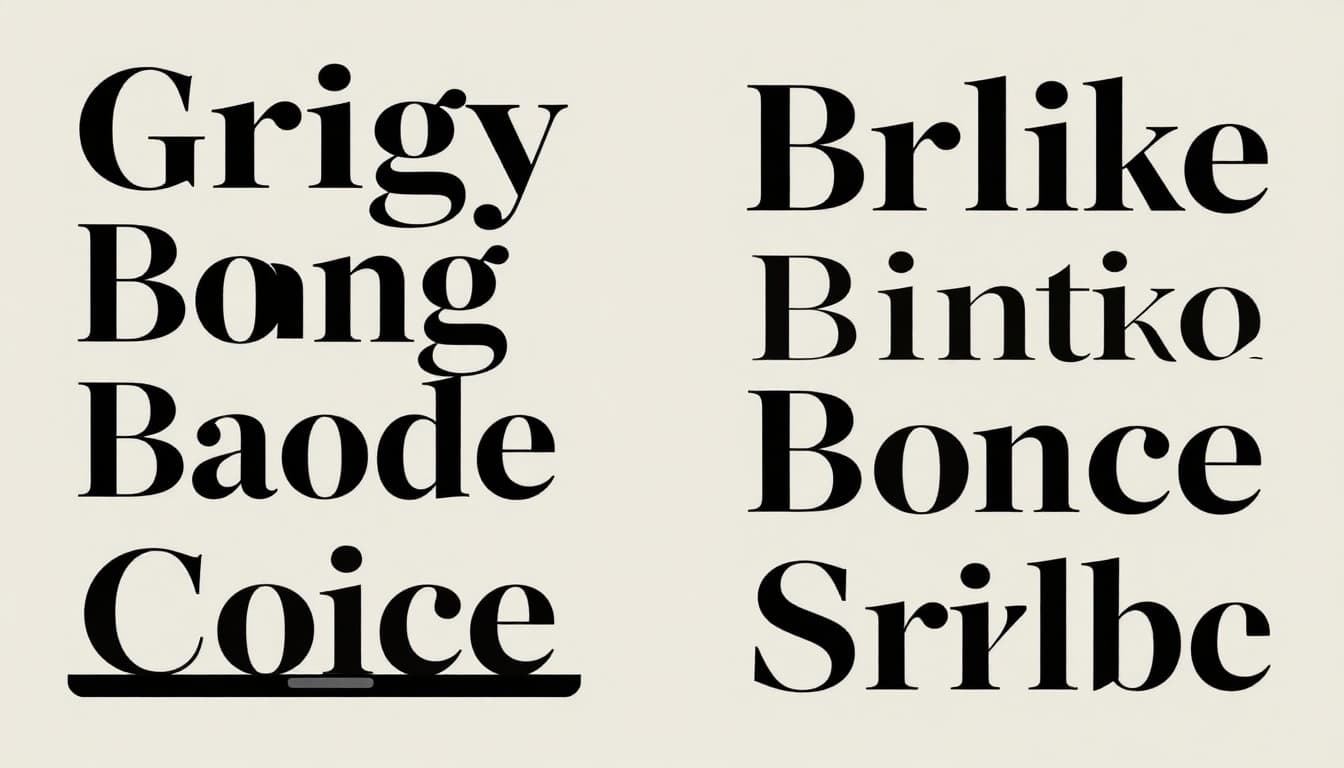
Serif vs. Sans-Serif: Which Wins for Your Project?
Serifs suit print like books or pharma ads. They build trust and warmth. Sans-serifs dominate web and digital. They load fast and read clear on mobiles.
For example, serifs work in long text because strokes lead your eye. However, low screen resolution muddies them. Sans-serifs stay sharp. Check serif vs. sans-serif comparisons for brands to see real differences.
| Aspect | Serif Pros | Serif Cons | Sans-Serif Pros | Sans-Serif Cons |
|---|---|---|---|---|
| Guides eye, traditional feel | None major | Clean backup | Less warmth | |
| Web | Adds elegance to headers | Blurs on screens | High legibility, fast load | Can feel cold |
Serifs win for stories. Sans-serifs take digital speed.
When to Pick Display Fonts That Steal the Show
Save display fonts for headlines. They demand attention with stretch or bold forms. Rocking Royal adds retro fun to posters. Never use them for body text. That kills readability.
Pair previews help here. A chunky display over thin sans creates punch. Limit to one per design.
Align Fonts Perfectly with Your Brand Voice and Readers
Match fonts to your brand’s personality. A playful site picks Rock Salt. Corporate ones choose Graphik for polish.
Consider your audience too. Older readers like serifs for familiarity. Younger ones prefer bold sans like Poppins. Test for medium. Web needs fast loaders like Roboto. Print allows more flair.
Set purpose with hierarchy. Big headers guide. Small body text informs. Stick to two or three fonts max. National 2 handles web versatility well.
What emotion does your design need? Calm or exciting? Pick accordingly.
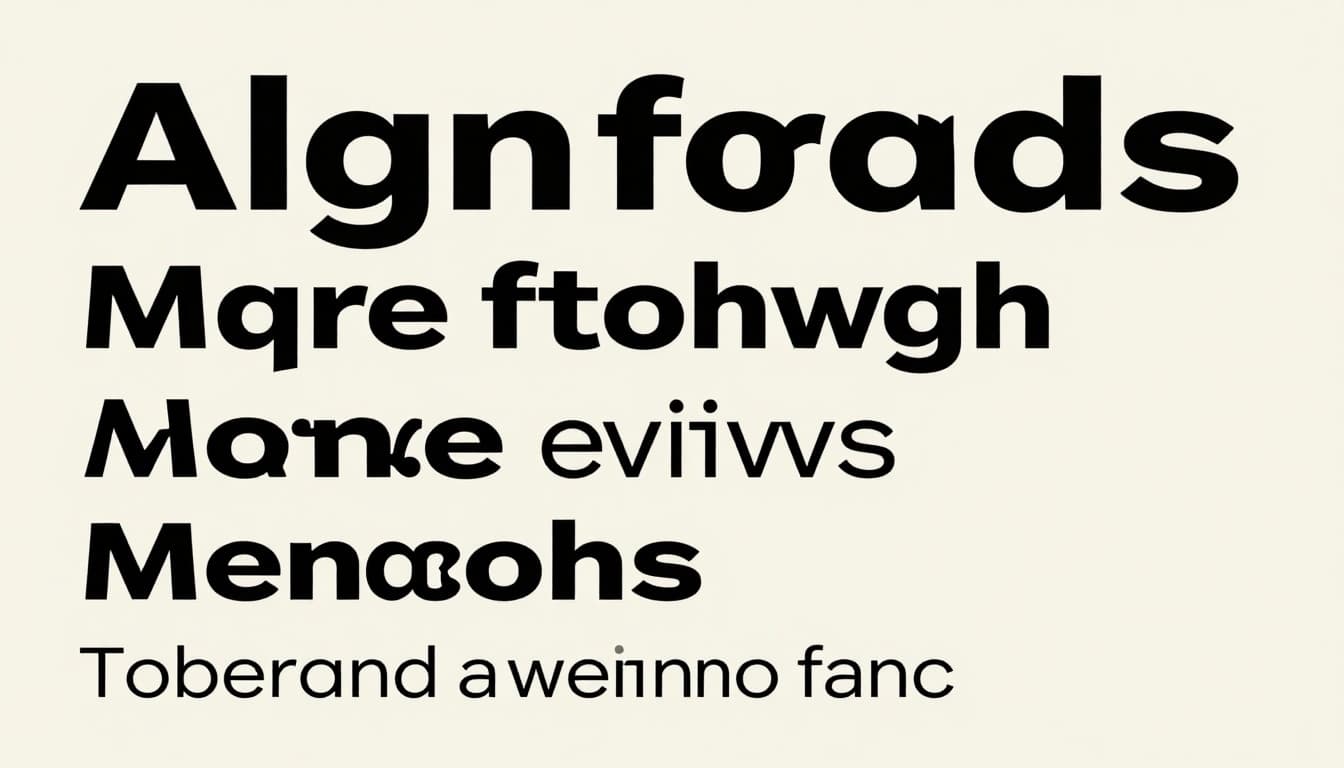
Decode Your Audience’s Font Preferences
Gen Z loves chaotic styles like Tricot. Pros stick to clean Söhne. Always hit 16px minimum for body text. High contrast boosts access.
Follow web typography best practices for guidelines. Demographics shape choices. Test with real users.
Pair Fonts Like a Pro for Designs That Pop
Contrast makes pairings work. Mix weights, sizes, or styles. A thick header with thin body stands out.
Fancy display like Rocking Royal pairs with simple Poppins. Serif headers over sans body add depth. Avoid similar fonts. They blend and bore.
Tools speed this up. Fontjoy generates options fast. See top font pairing tools for 2026. Monument Extended brutalist style over Roboto nails modern looks.
Trends add deliberate friction. Grainy effects build texture. Follow these steps:
First, choose a hero font for headers.
Next, select a neutral body font.
Then, adjust sizes for scale.
Finally, preview on devices.
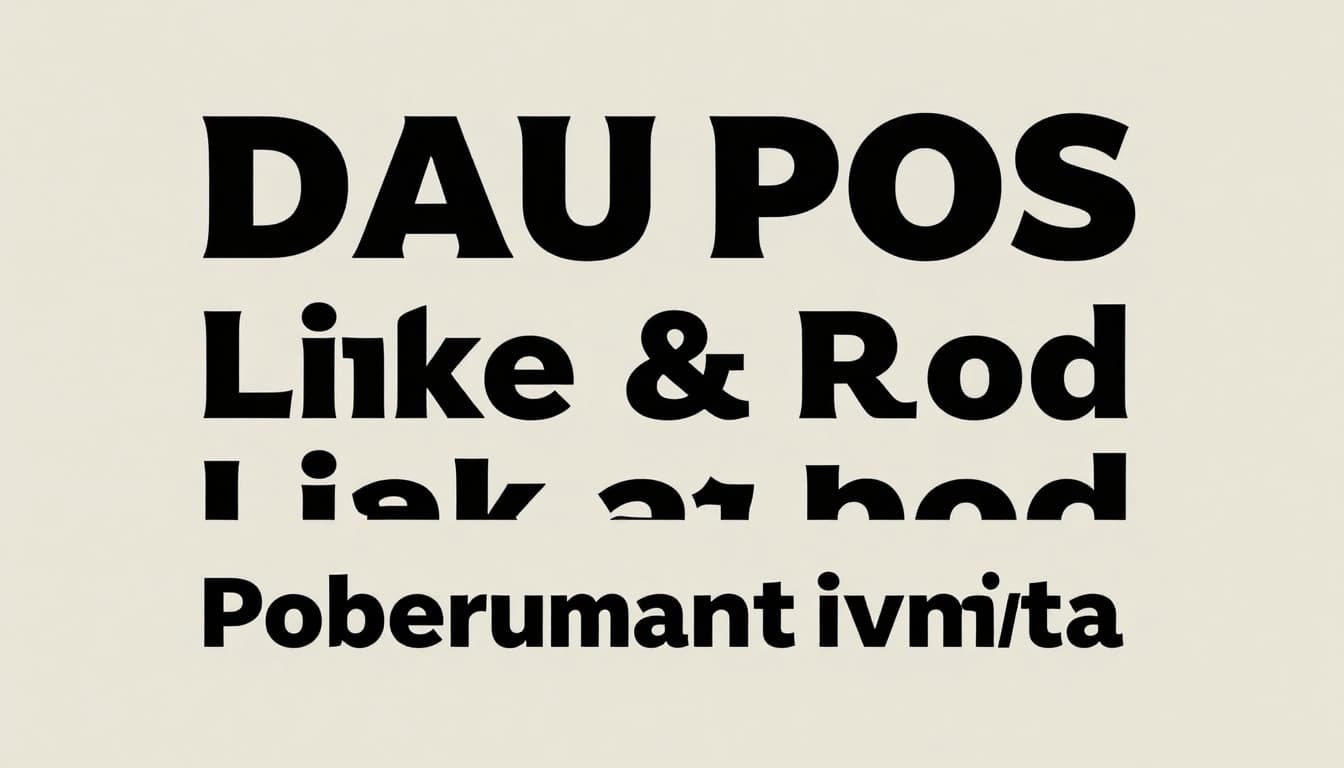
Classic Combos That Always Work
Serif with sans covers most needs. Bold over thin creates drama. Retro GT America pairs with mutant serifs for fresh twists. Montserrat and Roboto stay reliable.
These combos balance impact and read.
Test Pairings Before You Commit
Print and screen test first. Zoom in and out. Add color overlays. Watch for clashing x-heights. Fix early to save time.
Ride 2026 Font Trends Without Overdoing It
Trends bring energy. Typographic maximalism stacks big, bold letters as stars. Mutant heritage tweaks classics with high contrast.
Imperfect textures fight smooth AI looks. Grain and blur add real feel. Wide fonts like Triumph shout confidence. Sharp Grotesk hand-drawn style fits packaging.
Popular web picks include Aeonik for geometry and Satoshi for UI. Pair with neutrals like Poppins. Check trending fonts in 2026.
Use sparingly. Balance keeps designs timeless. Trends date fast if overdone.
Spot and Skip Font Mistakes That Kill Readability
Too many fonts chaos your page. Limit to two or three. Ignore screens at your peril. Test small sizes on mobiles.
Lack contrast muddies hierarchy. Trend overload looks gimmicky. Fix with WCAG checks for access.
Self-audit: Does text scan in three seconds? Halftone blurs suit accents only. See popular Google Fonts for 2026 for safe starts.
Master these steps. Understand basics, align to brand, pair smart, tap trends, dodge errors.
Right fonts lift good designs to great. Test a tool like Fontjoy today. Share your pairings in comments. What font combo changed your last project?