
You stare at a blank screen. Your first graphic design project needs a logo, but ideas won’t come. That blank canvas mocks you. Many beginners face this block early on. Inspiration fuels growth in UI/UX or visual work. Without it, progress stalls.
Good news waits. You can spark ideas from websites, apps, communities, real life, and fresh 2026 trends. These sources fit busy schedules. Spend minutes a day, and you’ll build skills fast. Simple steps lead to mood boards and tweaks that feel original. Start today with one site. You’ll see results by week’s end.
Browse These Websites for Fresh Design Ideas That Wow
Websites offer curated gems. They beat random Google hunts for beginners. Pros share polished work there. You learn patterns without digging deep.
Dribbble shows quick UI/UX shots. Scroll endless feeds. Behance displays full projects. See the process behind ideas. Mobbin breaks down app screens. Pinterest builds mood boards. Awwwards highlights top sites. Sites like Site of Sites inspire themes. Mindsparkle Mag drops daily picks.
Search by color or style. Save favorites in folders. Set a timer for 15 minutes daily. This habit prevents overwhelm. You spot what works in real apps.

Focus on tags like “beginner UI.” Follow 2026 trends such as organic textures. Copy a shot, then tweak colors. Practice builds your eye.
Dribbble and Behance: Your Go-To for Pro Shots and Projects
Dribbble thrives on scrollable shots. Use search filters for UI elements. Find buttons or layouts fast. Check Dribbble’s inspiration resources for tips.
Behance hosts portfolios from global designers. Explore full case studies. See sketches to finals. Search “dribbble inspiration projects” on Behance for related work.
Follow tags like “2026 trends.” Pick a simple card design. Recreate it in Figma. Change the font next. This method teaches fast.
Beginners gain confidence here. Pros explain choices in comments. You avoid common pitfalls.
Mobbin, Pinterest, and Awwwards: Patterns, Boards, and Award-Winners
Mobbin collects real app flows. Filter by type, like shopping apps. Study transitions between screens. Visit Mobbin’s library for thousands of examples.
Pinterest suits mood boards. Pin “Neo Deco” images for geometrics. Build boards by theme. Group metallics or organics.
Awwwards features award-winning sites. Note layouts and animations. Filter for mobile-first designs.
Tips help beginners. On Mobbin, trace user paths. Pinterest pins spark combos. Awwwards shows polish. Spend 10 minutes filtering. Save five ideas. You’ll mix them into unique work.
Grab Apps That Make Collecting Inspiration Effortless
Apps fix scattered saves. Beginners lose notes in bookmarks. These tools organize everything. Build libraries that grow with you.
Eagle tags images smartly. Fabric adds AI notes. Same Energy matches visuals. Substratum saves from mobile. Setup takes minutes. Use daily for mood boards.
Link screenshots to ideas. Tag by color palette. Search later without hassle.
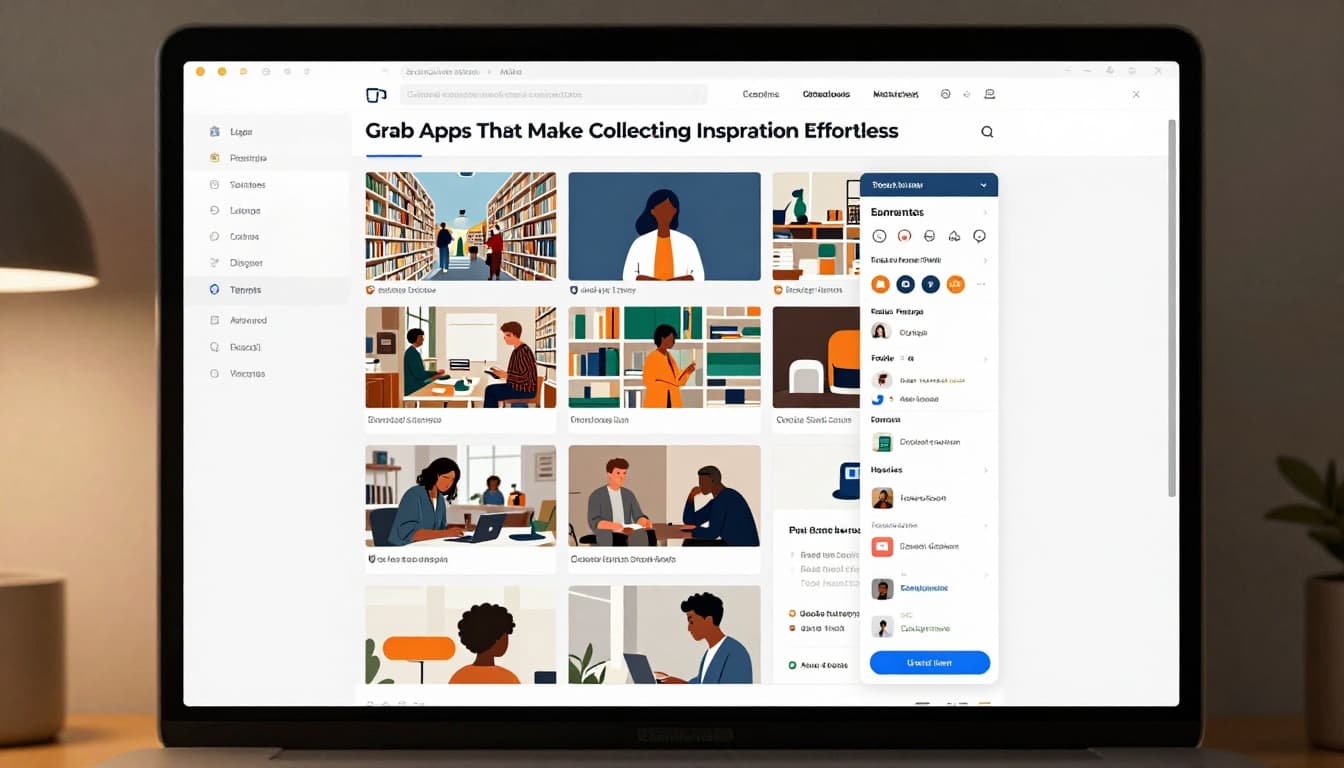
Start small. Import 20 images weekly. Your collection sparks projects.
Eagle and Fabric: Organize Like a Pro Library
Eagle sorts with power. Drag images in. Tag by trend or hue. Folders appear smartly. Find red geometrics instantly.
Fabric links notes to visuals. AI summarizes why you saved it. Add thoughts like “great blur effect.”
Beginner tip: Tag everything by color first. Later searches speed up. No more lost gems.
These apps turn chaos into pros’ setups. You reference past saves easily.
Same Energy and Substratum: Match and Save on the Go
Same Energy takes uploads. It finds visual matches online. Check Same Energy tool page for details.
Substratum grabs mobile inspo. Save sites or shots quick. View Substratum features to start.
Upload a sketch to Same Energy. Get similar palettes. Substratum fits bus rides. Snap a sign, save it tagged.
Great for on-the-go ideas. Build boards anywhere. Tweak matches in your next design.
Connect in Communities and Hunt Real-Life Gems
People spark better than screens alone. Communities give feedback. Real life adds unique twists. Beginners need both.
Join Dribbble or Behance groups. Follow Instagram like @siteofsites. Watch YouTube breakdowns. Offline, hit museums or streets.
Comment on posts. Share weekly work. Sketch products you see. This builds skills and contacts.

Mix inputs for fresh views.
Online Groups and Social Feeds for Feedback and Shares
Join Discord like Design Buddies at their Linktree. Post progress. Get tips.
Instagram feeds show daily work. YouTube videos break sites. Try this 2026 approval video for pro secrets.
Follow pros. Comment thoughtfully. Share one piece weekly. Feedback sharpens your eye.
Communities motivate. You see others grow too.
Everyday Walks and Museums: Free Sparks Everywhere
Walk streets. Sketch bold signs. Note package designs.
Museums display textures. Copy poster layouts mentally.
Mix with digital. Snap a vintage ad. Pin to Pinterest. Add grain in Figma.
Free and fun. These spots prevent screen fatigue. Your designs gain real-world feel.
Ride 2026 Trends and Build Habits for Non-Stop Creativity
Trends guide beginners. 2026 mixes AI tweaks with organic warmth. Neo Deco brings geometrics and metallics. Wilderkind adds nature vibes. Office-printer styles nod to raw prints.
Download free guides. Habits lock it in. Browse 15 minutes daily. Build boards. Post on Behance. Mix trends always.
Don’t copy exact. Tweak for your voice.
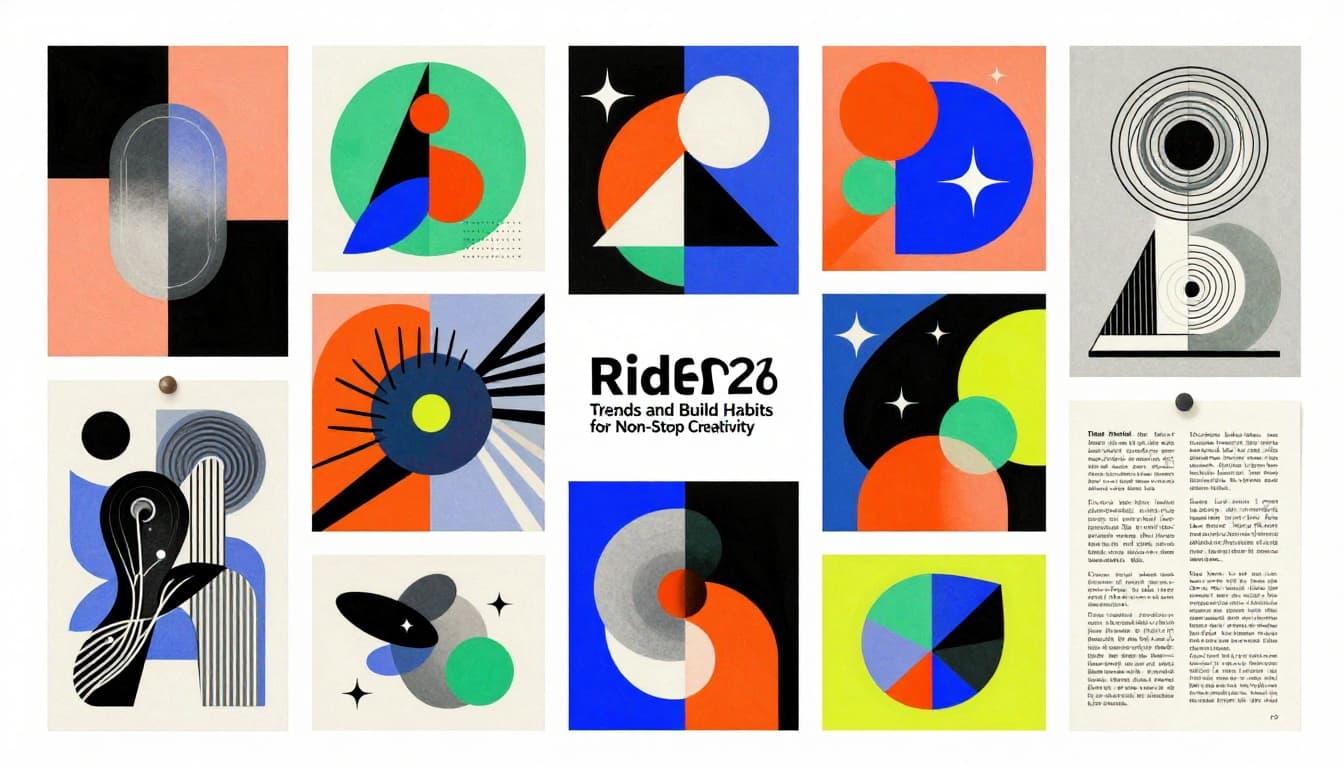
See Neo Deco trend details for premium looks.
Hot 2026 Trends to Mix into Your Work
Neo Deco uses sharp geometrics. Add metallics for shine. Fits logos clean.
Wilderkind brings organics. Grainy blurs feel cozy. Layer on UI buttons.
Imperfect styles rule. Add hand-drawn touches. AI generates bases; you refine.
Beginners win here. Start with Canva prompts. Tweak for emotion. Examples abound on Pinterest.
Daily Routines That Turn Inspiration into Skills
Browse 15 minutes mornings. Pick one site.
Build weekly boards. Post redesigns on Behance.
Track growth. Redo old work with trends.
This routine stacks wins. Motivation stays high.
Websites like Dribbble, apps like Eagle, communities, real life, and 2026 trends like Neo Deco fill your well. Pick Dribbble today. Build a board. Share your first find below. You’ve got this, beginner. Your unique style emerges soon. Start small; create big.