Picture Sarah, a barista in Chicago with no art degree. She taught herself graphic design during night shifts. Two years later, she landed freelance gigs for local brands and now pulls in steady remote work. Stories like hers prove you don’t need formal training to succeed.
Demand for designers grows in 2026. 82% of company leaders say their need for graphic, UI, UX, and web designers holds steady or rises. Fast-growing firms plan more hires; nearly half see a 10% jump. AI tools handle basics, but humans win with judgment and strategy. Remote freelance thrives because broad skills like research and client pitches matter most.
Self-taught paths work, but they demand grit. One junior UX designer grinded two years to break in. You can follow suit. This post shows you how: master fundamentals first, grab free courses and tools, practice daily for a portfolio, join communities for feedback, and keep pushing. Start today, and you’ll build skills that land jobs or clients.
Master the Essential Design Fundamentals on Your Own
Fundamentals form your base. Skip them, and tools won’t help. Focus on typography, color, layout, and design thinking before software. These skills let you solve problems and create work that connects.
Redesign a messy poster to practice. Cluttered text overlaps wild colors on one side. Balance it with space and harmony on the other. Results speak volumes.
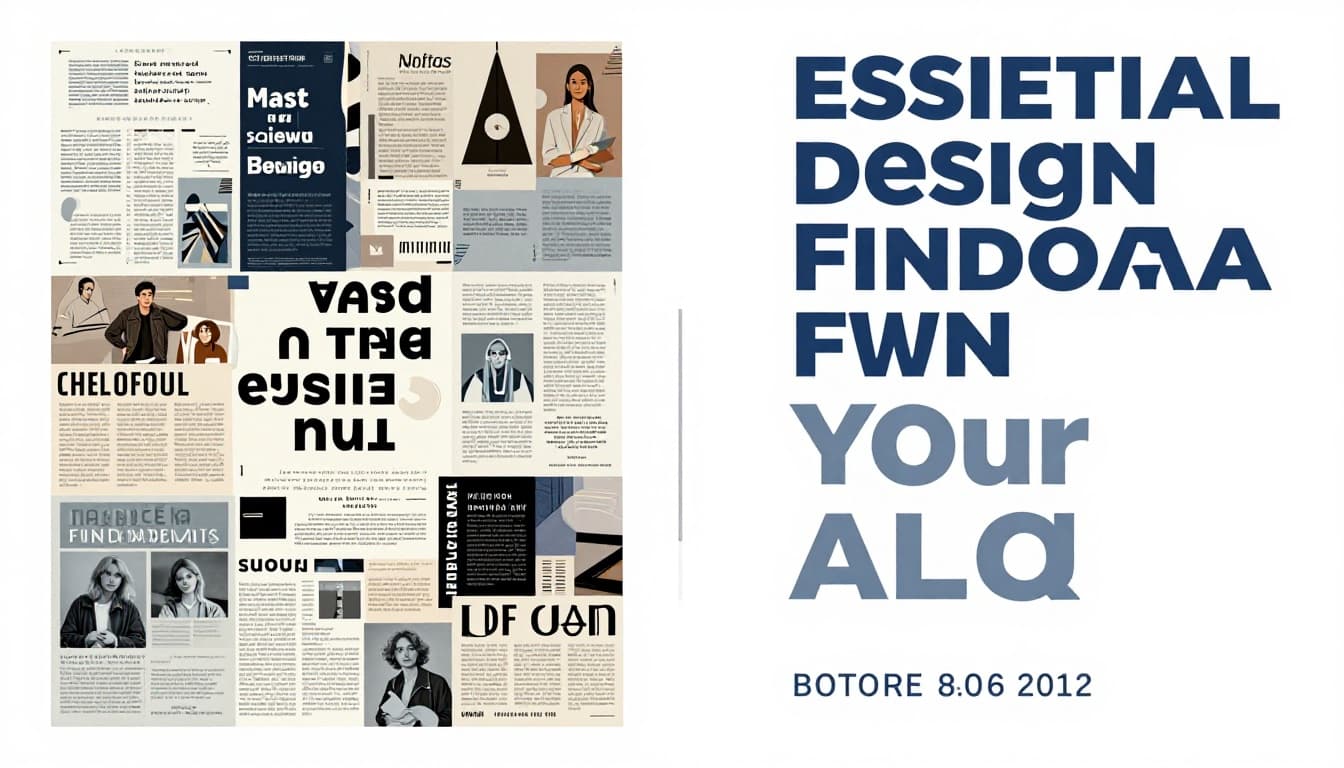
Free courses reinforce these ideas later. For now, grasp concepts through sketches on paper.
Typography: Make Your Text Pop Without Fancy Software
Typography controls readability. Kerning adjusts space between letters. Leading sets line gaps. Pair serif fonts (with tails) for body text and sans-serif (clean) for headers.
Practice pairing. A serif like Georgia works with sans-serif Helvetica. Test on notebook pages. Read aloud; fix tight spots. Good type draws eyes without effort.
Tools come next. Fundamentals stick because you build intuition first.
Color Theory: Choose Hues That Captivate Viewers
Colors shape feelings. Red sparks urgency. Blue calms. Complementary pairs like blue and orange contrast for pop. Analogous schemes (next to each other on the wheel) blend smooth.
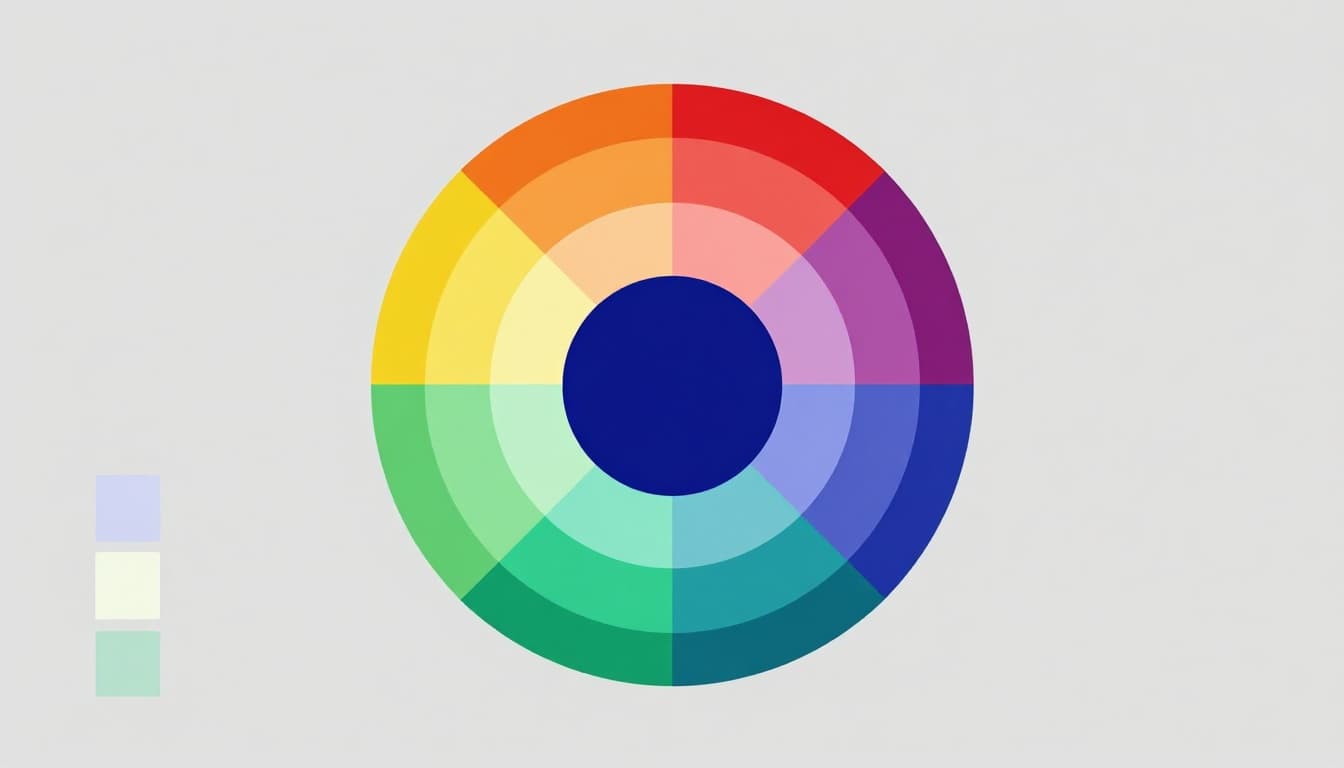
Free palette generators test combos. Start simple; harmony guides strong designs.
Layout and Composition: Arrange Elements for Maximum Impact
Layout organizes chaos. Rule of thirds divides space into nine boxes. Place key items at intersections. Grids align everything neat.
Social posts shine with white space. It breathes life into frames. A magazine page uses grids for flow.
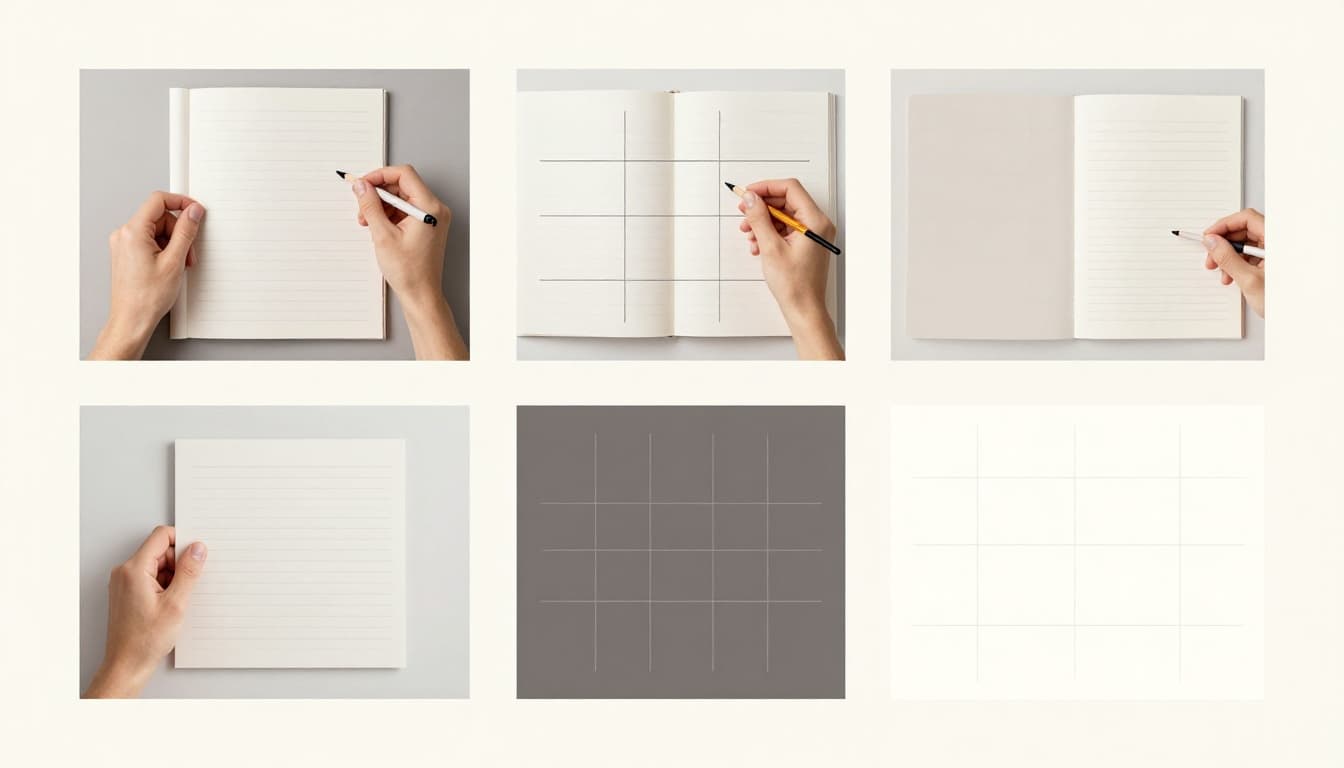
Practice pulls it together. Balance pulls viewers in.
Tap into Top Free Courses and Tools for Hands-On Learning
Resources abound in 2026. Audit Coursera classes or binge YouTube. Canva offers quick wins. These fit beginners and build real skills.
Start with structured paths. Then play in tools. Certificates boost resumes for free or low cost.
Coursera and Alison: Structured Lessons from Pros
CalArts Graphic Design Specialization on Coursera spans five courses. It covers typography to branding. Audit free; watch videos and quizzes anytime.
Alison’s Diploma in Graphic Design teaches principles and software. Short modules lead to free certificates. Both paths mimic pro training without tuition.
Pros teach here. You gain projects for portfolios fast.
Canva and YouTube: Quick, Fun Practice for Beginners
Canva Design School delivers bite-sized lessons. Build social graphics as you learn. Drag-and-drop sparks ideas.
CalArts shares an 11-hour YouTube course on basics. Visual demos stick. Pair with Canva’s free tier for instant practice.
These speed progress. You create while learning.
Build a Standout Portfolio Through Daily Practice Projects
Theory fades without practice. Recreate ads or mock sites daily. Portfolios trump degrees in 2026. Clients hire proof over paper.
Use free trials like Adobe’s seven days. Track a 30-day streak. Weekly challenges sharpen edges.
Easy Starter Projects to Sharpen Your Skills Fast
Begin small. Build confidence quick.
- Business card: Pick colors, pair fonts, balance info.
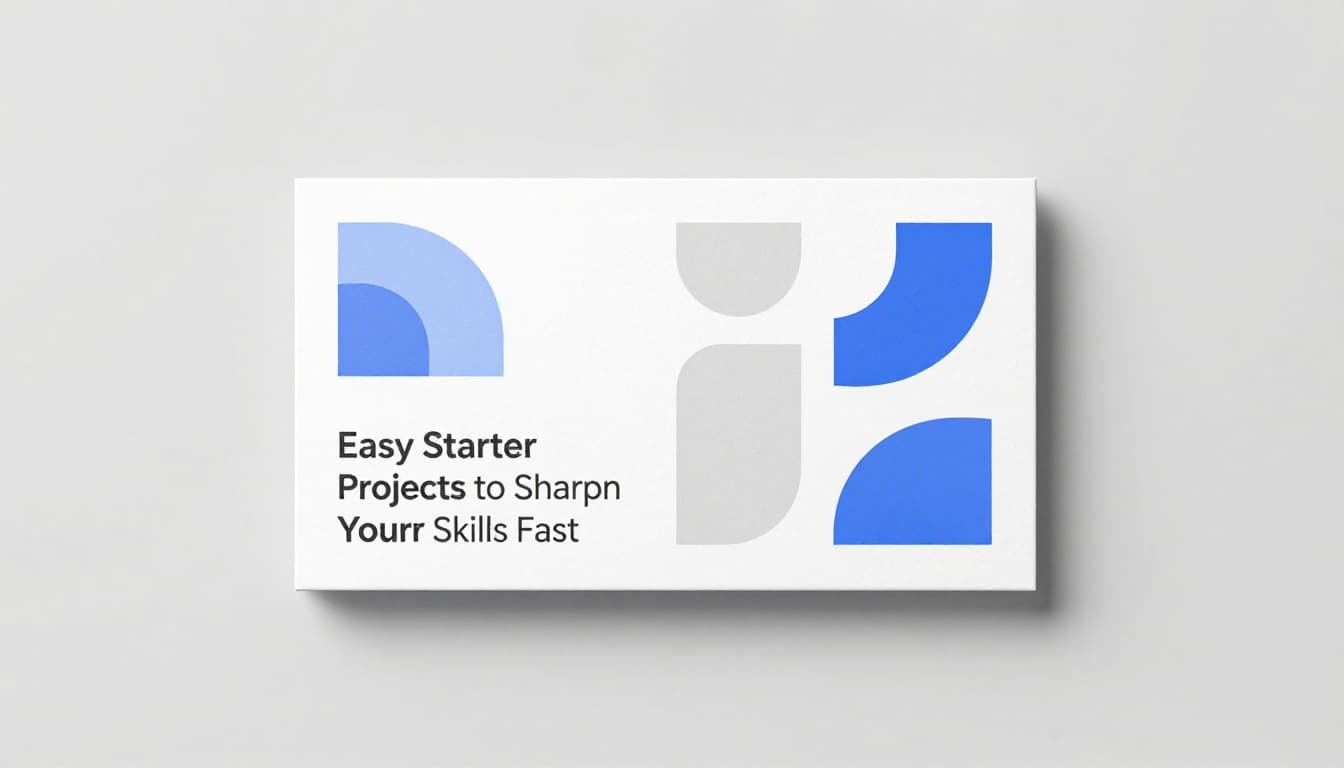
2. Social post: Apply rule of thirds to a quote graphic. 3. Poster: Redesign a real event flyer. 4. App mockup: Sketch screens on paper, then digitize. 5. Logo: Brainstorm icons for a fake coffee shop.
Steps keep you moving. Finish one daily.
Showcase Your Work: Free Platforms That Get Noticed
Behance hosts pro-level uploads. Add descriptions; pros scout there. Dribbble suits shots; build shots over time.
Carrd makes one-page sites free. Link projects clean.
Update weekly. Stories show self-taught wins, like a dropout netting $2k monthly freelance.
Join Vibrant Communities to Get Feedback and Stay Motivated
Solo learning stalls. Communities spark growth. Share work-in-progress for critiques.
Reddit’s r/graphic_design and r/learnUI offer tips. Discord servers like r/Design connect mentors.
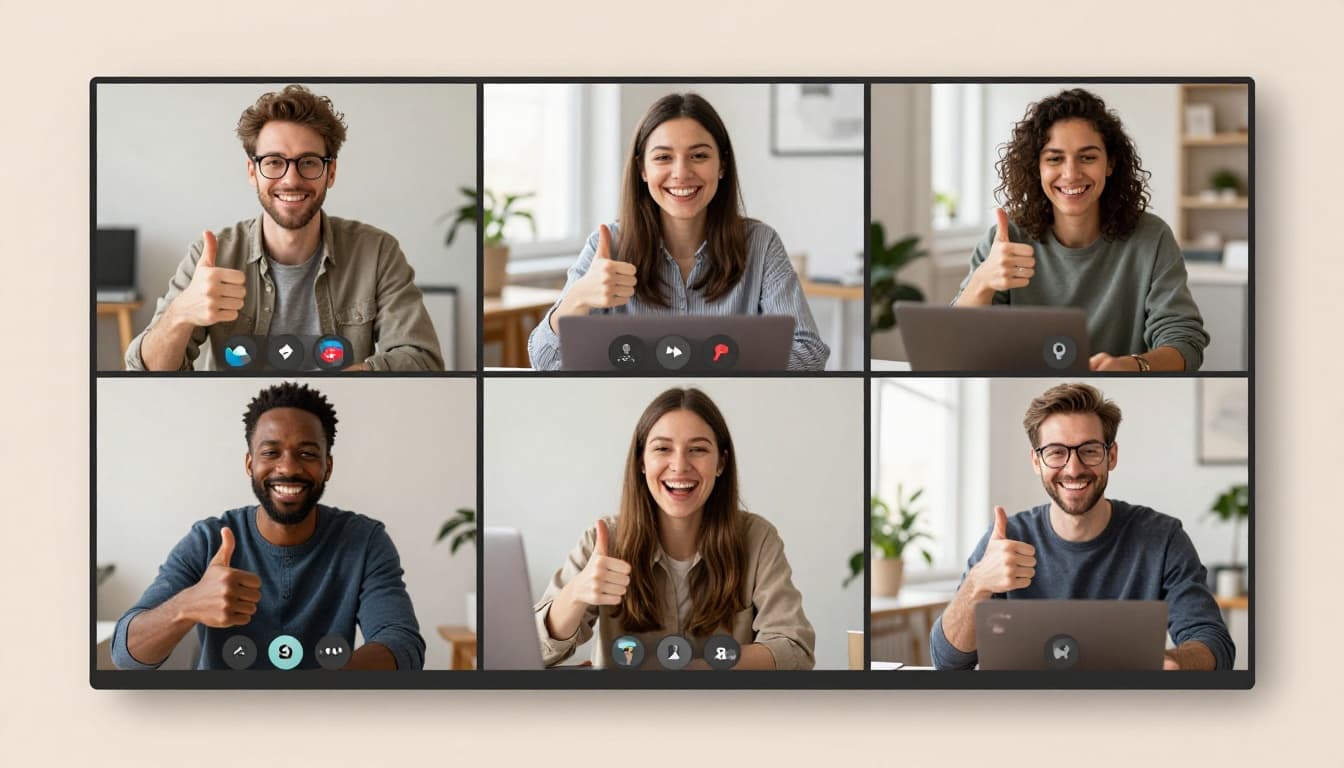
Twitter threads and Meetup.com host virtual events. AI design groups rise too.
Feedback refines. Networks lead to gigs. Stay active; motivation follows.
You now hold the roadmap: nail fundamentals, use free resources, practice into a portfolio, lean on communities. AI opens freelance doors, but your skills seal deals.
Pick one course today, like CalArts on Coursera. Commit to a project streak. In 2026, self-taught designers thrive with grit. What will your first piece be? Start now.